A phone call, not another app to learn
Remindly rings their own telephone at the right time and says the reminder out loud — the morning tablets, Thursday's appointment, a glass of water. They answer it with a keypress. For medication, you get an email saying what happened, so checking in does not have to mean ringing to ask.
Free while in beta — no card, no ads, no sales calls. No trial that quietly ends: if charging ever becomes necessary, you will be told first.
Works with what they already have — a telephone, or a tablet if there is one
- You schedule it — from your own phone or computer, wherever you are.
- Remindly calls — their own landline or mobile rings at the right time and says the reminder out loud. Nothing to install. If there is a tablet in the house, it can speak from that instead.
- They press a key — 1 to hear the reminder, then 1 for done or 2 to be reminded again shortly. On a screen it is one big button.
- You are told — for medication, an email when it is marked done, and another if the time passes and nobody marks it.
The limits, up front. Calls are made between 8am and 9pm at their end, or the hours you set. Nobody is telephoned without agreeing first — the opening call only asks, and never asks for personal details — and pressing 9 on any call stops the reminder calls. How the calls work.
What the call actually sounds like
Eight in the morning. Her own telephone rings.
- Remindly “This is Remindly, with a reminder. Press 1 to hear it.”
- Margaret presses 1
- Remindly “Hello Margaret. This is Remindly, with your reminder. Take your morning medication. Press 1 if you have done it. Press 2 to be reminded again in 10 minutes. Press 9 to stop these calls.”
- Margaret presses 1
- You an email, a minute later: her morning medication was marked done at 8:01.
If nobody answers, Remindly tries again — up to three times, five minutes apart. For a reminder where being late matters, you are emailed after the first unanswered call — once, not once per attempt — while there is still time to do something. What happens when a call is missed.
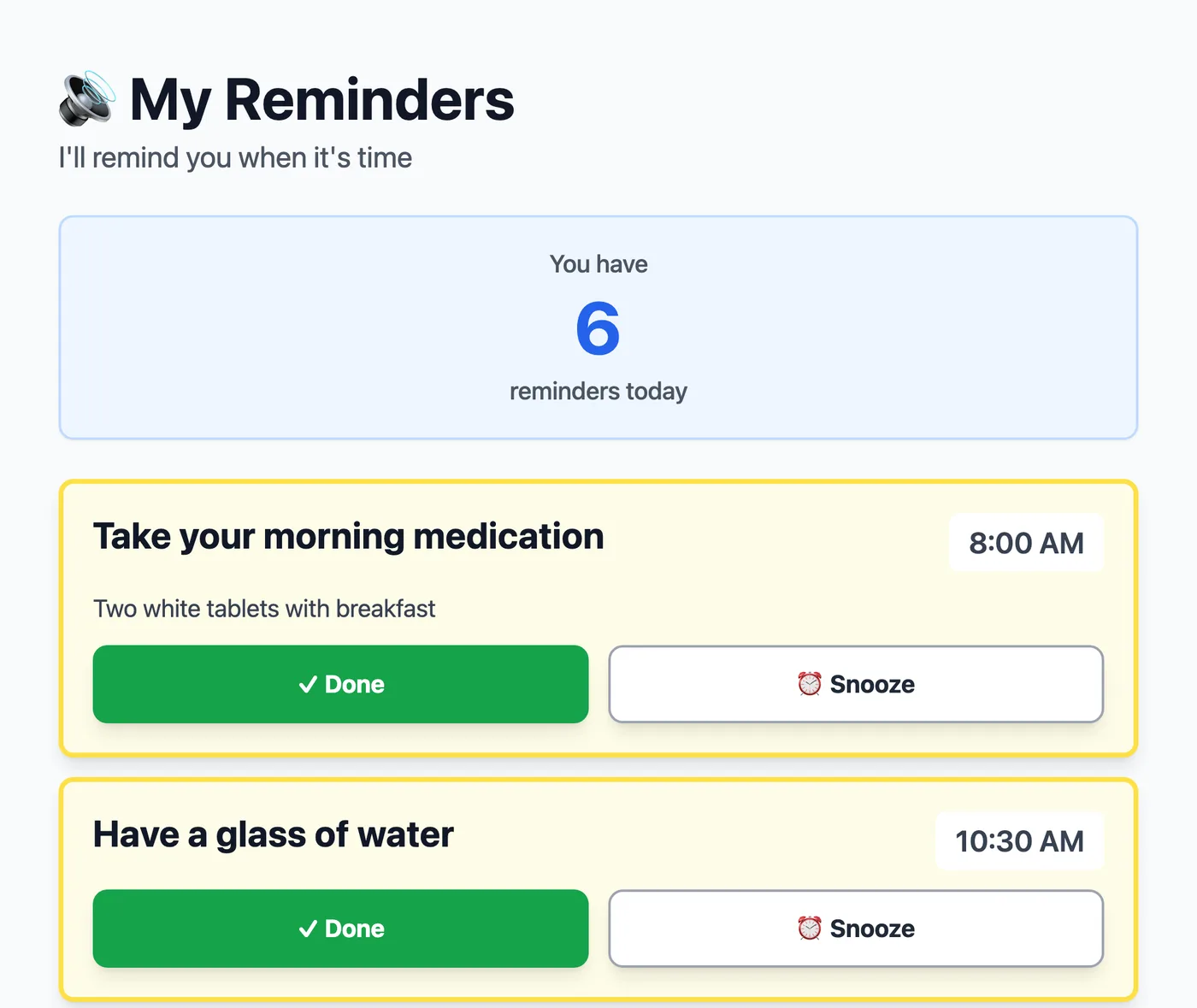
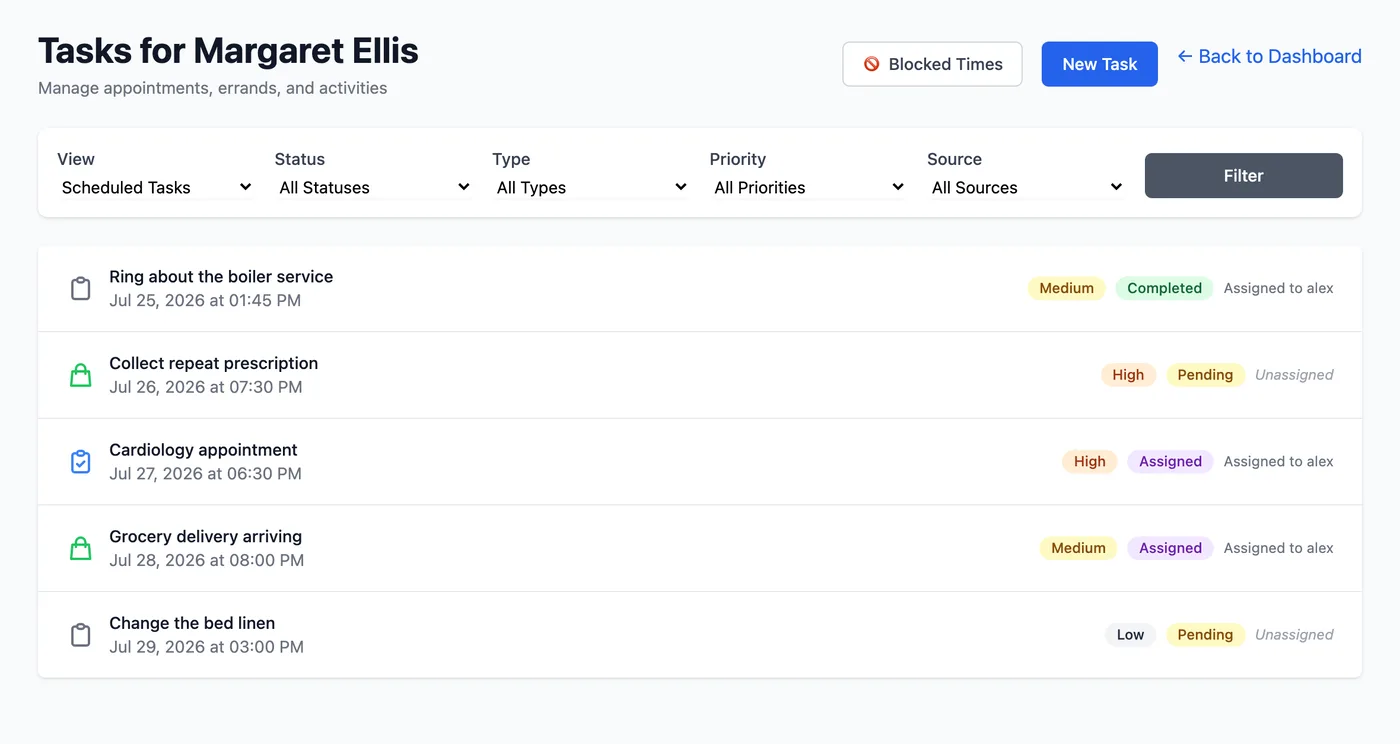
A Done is an acknowledgement, not proof that a tablet was swallowed, and Remindly is not a medical device. What Remindly can and can't tell you.
Getting started
Enter your email and Remindly sends you a link that creates your account and signs you in — no password to choose, and nothing to install.
Then add the person you care for: their name and timezone. They need no email address, no password and no account. No reminder is spoken until they agree — by pressing 1 on the first call, which only asks, or on their own screen — and if they say no, everything you set up is deleted. How connecting works.
Still comparing options? What a reminder app for an elderly parent actually has to do is a shorter list than it looks. And if free sounds like there must be a catch, the questions page says plainly why there isn't.
Tomorrow at eight, you could already know
Her telephone rings, she presses 1, and the email is with you before the kettle has boiled.
The monthly note
One useful thing a month about caring for a parent at a distance, and a line on what has changed in Remindly. You will also get the printable daily routine sheet — though that one is free to anybody, list or no list. We email you once to confirm the address before anything else.